How to Build a Restaurant Email & SMS List You Actually Own

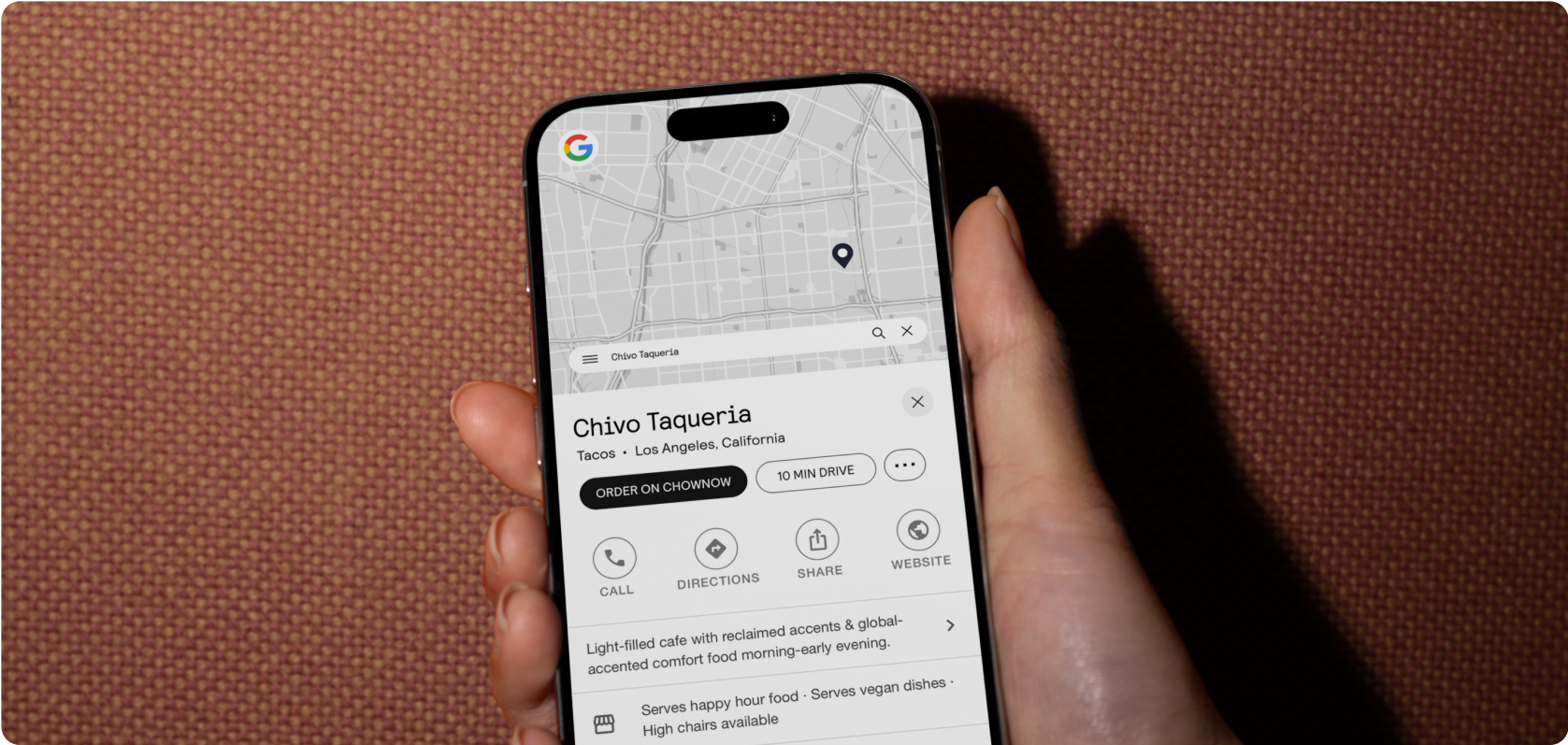
Every time a guest orders through DoorDash, Grubhub, or any third-party marketplace, they become that platform’s customer — not yours. You get the order. They get the relationship. The next time that guest wants food, they open the app, see your competitors right next to you, and the decision starts from scratch.
The restaurants that break out of that cycle aren’t spending more on advertising or running better promotions. They’re building something the marketplaces can’t touch: a direct line to every guest they’ve ever served.
An owned customer list — email addresses, phone numbers, order history — is that direct line. It’s the difference between starting from zero every time and building a business where every order makes the next one more likely.
Here’s how to build one across every channel your restaurant already has.
The Problem: You Don’t Own Your Customers

Third-party platforms are useful for discovery. They put your restaurant in front of people who haven’t heard of you, and that has real value — especially early on.
The problem is what they keep in exchange. Every order placed through a marketplace is an order where the guest’s contact information never reaches you. No name, no email, no phone number. You fulfilled the order, paid the commission, and have nothing to show for the relationship.
This creates a compounding problem. Your most frequent marketplace customers — the ones who order from you every week — are guests you have no way to reach directly. You can’t send them a promotion. You can’t tell them about a new menu item. You can’t bring them back when they go quiet. Every repeat order goes through the marketplace again, with another commission, and the cycle continues.
Restaurants that upload their on-premise guest list and connect it with their online ordering data see up to 3x growth in their marketable audience — which means they’ve been sitting on a much larger list than they realized, just without a way to reach them. The capture is the missing piece, and it’s available across every channel most restaurants already have.
Why an Owned List Drives More Repeat Revenue
The math on customer acquisition versus retention is well established: keeping an existing customer costs a fraction of finding a new one. But the practical implication for restaurants is more specific than that.
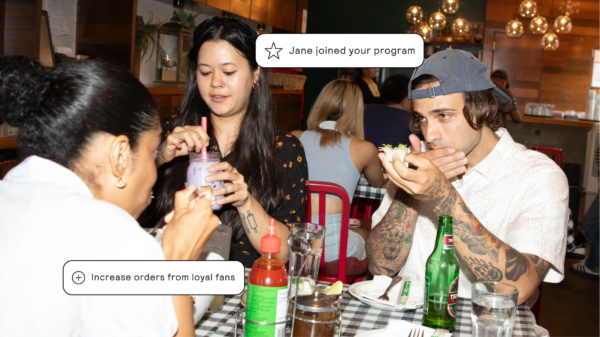
A guest on your owned list is a guest you can reach without paying a commission. A win-back email that brings a lapsed customer back to your website for a direct order costs you the price of the campaign — not 15–30% of the order. A text message that fills a slow Tuesday lunch costs nothing beyond your SMS plan. A rewards offer that triggers a fourth visit from a regular guest builds loyalty that no marketplace can replicate.
The value of a list isn’t just the size — it’s the control. When you own the customer relationship, you decide when to reach them, what to offer, and where the order goes. That’s what direct revenue actually means.
5 Proven Ways to Capture Customer Data at Your Restaurant
These five channels cover the full picture of where guests interact with your restaurant. Most operators are already using at least one. The opportunity is connecting all of them.
1. Online Ordering — Your Highest-Volume Capture Point
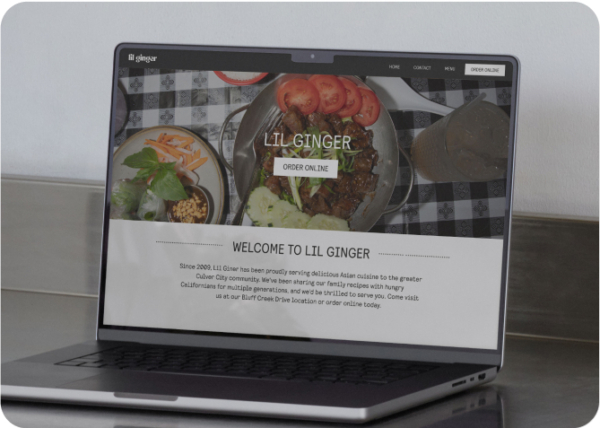
Every guest who places an order through your the ChowNow marketplace, restaurant website, or branded mobile app provides their name, email, and phone number at checkout. This is the most frictionless data capture available to a restaurant — the guest is already completing a transaction, and the information is collected automatically as part of that process.
If you’re running direct online ordering and haven’t thought of it as list-building, you’re already further along than you realize. Every order is adding to your marketing database. The question is whether you’re using it.
2. QR Code Ordering for Dine-In — The Gap Most Restaurants Don’t Know They Have
Traditional dine-in is the one channel where guest data almost never gets captured. Guests show up, order through a server, pay with a card, and leave without a trace. No email. No phone number. No way to reach them again.
ChowNow’s QR Code Ordering closes that gap. Guests scan a code at the table, browse your menu, order, and pay from their phone. At checkout, their name, email, and phone number are captured automatically and added to your marketing database — the same database as your online ordering customers.
Restaurants using QR Code Ordering have grown their marketing lists by 40% or more. For most independent restaurants, dine-in represents a significant portion of total covers. Capturing even a fraction of those guests as direct marketing contacts meaningfully changes the size and value of your list.
What to do: Place QR codes at every table with a clear call to action. Brief your staff to introduce it at the start of each visit. The guests who prefer a server will still flag one down — but the guests who scan are now in your database.
3. Catering Orders — High-Value Guests You’re Probably Losing
A catering customer who places a $360 order is one of the most valuable guests your restaurant has. They’ve proven they trust you with a high-stakes order, they’re likely to have the same need again, and they probably have colleagues who will too.
Most restaurants have no system for following up with catering customers after the order is fulfilled. The transaction closes, the contact information stays in an email thread or a phone call log, and the relationship ends there.
ChowNow Catering captures every order through a dedicated digital storefront — which means every catering customer’s information flows into the same marketing database as your online and dine-in guests. That $360 customer becomes a contact you can reach before their next team lunch, their next office event, or their next occasion.
What to do: Make sure catering orders are going through your digital storefront rather than email or phone whenever possible. Every order placed through a structured system is a contact captured. Every order taken by phone is a contact lost.
4. WiFi and In-Store Email Capture
For restaurants with guest WiFi, email capture at login is a low-effort way to add contacts from guests who may not be ordering digitally. A simple “enter your email for free WiFi” gate adds to your list passively throughout every service.
This channel is lower volume than the three above, but it catches a segment of guests — particularly older demographics who are comfortable with in-person dining but less likely to use QR codes or order online — that the other methods miss.
What to do: If you have guest WiFi, make sure it requires an email to connect and that those emails flow into your marketing platform. Even a small daily addition compounds significantly over a year.
5. SMS Keyword Opt-Ins
A simple keyword opt-in — “Text TACOS to 555-123 for exclusive offers” — on table tents, receipts, packaging, and social posts is one of the fastest ways to build your SMS list specifically. Guests who opt in via keyword are among your highest-intent contacts: they actively chose to hear from you, which means engagement and conversion rates are typically strong.
What to do: Pick one keyword, put it everywhere, and tie it to a welcome offer that makes opting in immediately worthwhile. “Text WELCOME to [number] for 10% off your next order” converts significantly better than a keyword with no stated benefit.
Where Most Restaurants Lose Data
The two most common data loss points are third-party marketplace orders (where no guest information passes through to the restaurant) and in-person transactions with no capture mechanism. Both are addressable — marketplace orders by driving guests toward direct ordering, and in-person transactions by adding QR Code Ordering or a WiFi gate. The combined impact of closing both gaps is what produces the 3x audience growth that restaurants see when they connect their full customer picture for the first time.
How to Increase Signups — The Missing Piece Most Restaurants Skip

Capturing customer information at the point of transaction is the foundation. Giving guests an active reason to opt in is what accelerates it.
- First-order offers are the single most effective signup driver. A guest who’s placing their first online order sees “join our list for $5 off your next order” — the conversion rate on that offer is dramatically higher than a passive “subscribe to our newsletter” field. The cost is one small discount in exchange for a direct relationship that may generate dozens of future orders.
- Bounce-back rewards — a small offer included with an order that incentivizes the next one — work particularly well in catering and high-ticket dine-in contexts. “Bring this back for 10% off your next group order” captures a contact and shortens the window to the second transaction at the same time.
- Progress nudges toward a reward threshold to give guests who are already on your list a reason to stay engaged and opt in to SMS if they haven’t already. “You’re two orders away from your next reward — make sure you’re on our text list so you don’t miss it” converts email contacts to SMS contacts without requiring a separate campaign.
The consistent principle: an opt-in with a stated benefit outperforms a passive opt-in every time. The offer doesn’t need to be large — it needs to be immediate and obvious.
Turning Your List Into a Revenue Engine

A list that sits unused is just a database. The value comes from what you do with it — and the most effective approach is a set of automated campaigns that run in the background and convert list contacts into repeat orders without requiring ongoing effort.
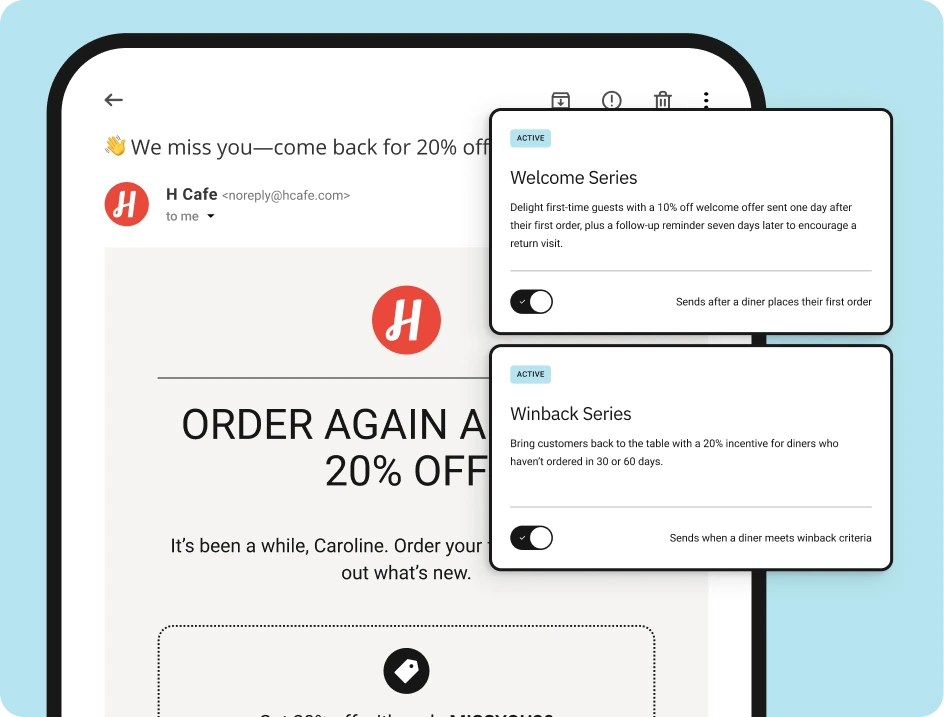
- Welcome campaign: Goes out after a guest’s first order. Introduces your restaurant, sets expectations for future messages, and often includes a soft incentive toward the second visit. This is the highest-leverage send in your entire program — the window between a first and second visit is where most one-time customers become regulars, or don’t.
- Post-order follow-up: Sent 24–48 hours after an order. Thanks the guest, invites a review, and nudges toward the next visit. Simple and effective — and one of the few marketing messages guests actually expect and appreciate.
- Win-back campaign: Fires automatically when a guest hits 30, 60, or 90 days without an order. A lapsed guest already knows your food — they just need a reason to come back now. A time-limited offer or an expiring reward is usually enough.
- Rewards selectively: Rewards aren’t a blanket tool — they’re most powerful at specific moments in the lifecycle. A rewards program tied to a second visit converts better than a discount applied to every order, because it builds behavior rather than just buying it. Reserve your strongest offers for first-time conversion and lapsed reactivation, where the return on investment is highest.
For a deeper look at how these campaigns work together — and when email versus SMS is the right channel for each — see the full guide to restaurant email marketing and the restaurant SMS marketing guide.
How ChowNow Makes This Automatic
The reason most independent restaurants don’t have a unified customer list isn’t that they don’t want one — it’s that building one manually across multiple channels, then connecting it to a marketing platform, then actually using it is more infrastructure than most operators have time to set up.
ChowNow makes it automatic by connecting every capture point to the same platform as your marketing.
- Every online order captures a contact. Name, email, and phone number are collected at checkout and added to your marketing database automatically — no import, no copy-paste, no manual step.
- QR Code Ordering adds dine-in guests to the same list. The same database that holds your online ordering contacts now includes the guests who’ve never ordered digitally before. One unified list, every channel.
- Catering orders feed the same database. Every catering customer captured through your ChowNow storefront becomes a contact you can market to directly — without any separate system.
- On-premise guest lists connect with one upload. For walk-ins, phone orders, and existing contacts you’ve collected over the years, a simple CSV upload brings them into your ChowNow database instantly. Restaurants that do this see up to 3x growth in their marketable audience in a single step.
- Email and SMS campaigns are already connected. Once a contact is in your database, they’re immediately reachable through ChowNow’s automated email and SMS campaigns — segmented automatically by behavior, with no additional setup required.
The result is a single, growing customer list that covers every channel your restaurant operates — and a marketing platform that turns it into repeat revenue automatically.
Frequently Asked Questions
How do I build an email list for my restaurant from scratch?
Start with your direct online ordering flow — every guest who places an order provides their contact information automatically. If you’re not running direct ordering yet, that’s the first step. From there, add QR Code Ordering for dine-in guests, make sure catering orders go through a digital storefront, and upload any existing on-premise contacts via CSV. Most restaurants discover they have a significantly larger starting list than they expected once they connect all their channels.
Do I lose my customer data if guests order through DoorDash or Grubhub?
Yes. Third-party marketplaces retain all customer data for orders placed through their platforms — the restaurant receives only the order details, not the guest’s contact information. This is one of the primary reasons shifting order volume toward direct channels matters beyond the commission savings: every direct order is a customer relationship you own.
Is it legal to market to customers who’ve ordered from me?
Yes, with appropriate consent. Guests who provide contact information through your ordering flow have consented to receive communications from your restaurant. For SMS specifically, explicit opt-in consent is required under TCPA regulations — this is handled automatically through the ChowNow checkout flow for guests who opt in. For any contacts uploaded via CSV, make sure you have a record of how and when they opted in before adding them to SMS campaigns.
How many contacts should I expect to collect per month?
It depends on your volume across channels, but a useful benchmark: a restaurant doing 500 direct orders per month is adding up to 500 new contacts to their database each month, assuming each order is from a unique guest. Adding QR Code Ordering for dine-in typically accelerates that significantly — restaurants using it have grown their marketing lists by 40% or more.
What’s the difference between a customer list and a marketing list?
A customer list is everyone who has ever transacted with your restaurant. A marketing list is the subset who have opted in to receive communications from you. The goal is to make those two lists as close to identical as possible — which is what a frictionless opt-in at the point of order achieves. The closer they are, the larger your reachable audience is relative to your total customer base.