How to get your restaurant found in “order online” searches: Google, Apple Maps, Yelp, and AI

When a hungry diner types your restaurant’s name plus “order online,” you have one job: be the first result they can actually order from. This guide covers the four places those searches happen, such as Google, Apple Maps, Yelp, and AI assistants, and how to claim your spot on each.
New to search basics? Start with our beginner’s guide to restaurant SEO, then come back.
How do restaurants show up in “order online” searches?
Restaurants show up in “order online” searches by attaching ordering links to the business listings diners already see, such as Google Business Profile, Apple Maps, and Yelp, and keeping name, address, menu, and hours consistent across all of them. Delivery marketplaces show up in these results automatically because they syndicate listings at scale, and that reach is real.
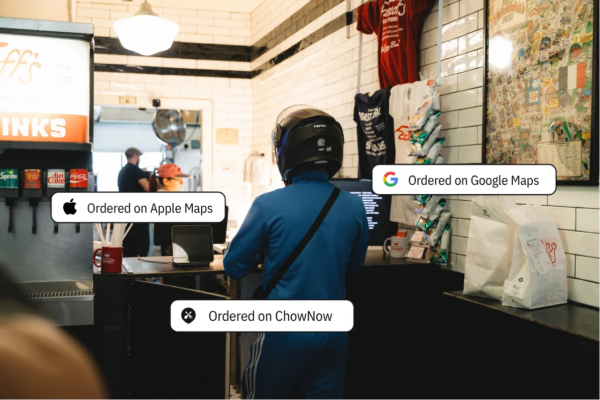
The gap for most independents is that their own direct ordering link is missing from the same results, so every branded search defaults to a third-party channel, even when the diner searches for the restaurant by name.
Fixing that gap is what the rest of this guide walks through.
Turn your Google Business Profile into an ordering channel

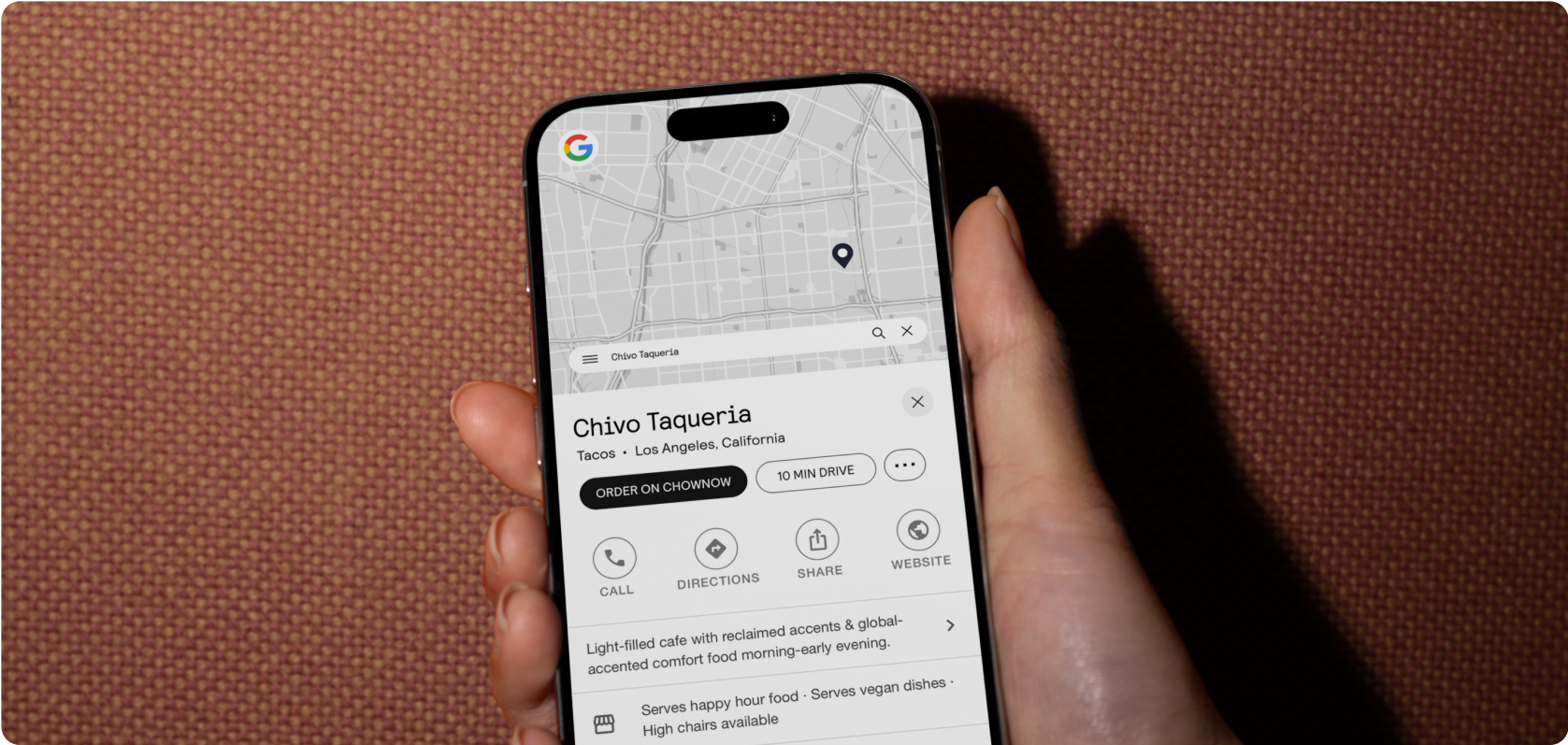
Your Google Business Profile can display an “Order Online” button that points wherever you tell it to. Claim your profile, verify ownership, and set your direct ordering URL as the preferred link. Otherwise Google fills that space with whichever providers it finds.
Local SEO for restaurants starts here, since your profile also feeds Google Maps and the local pack, where most “near me” and “order online” clicks happen.
ChowNow’s Google integration places your link directly on your profile, so orders from search land in your kitchen, not someone else’s dashboard.
The best way to get your restaurant on Apple Maps for ordering
The best way to get your restaurant on Apple Maps is to claim your listing in Apple Business Connect, then add an ordering action button. Apple Maps is the default on every iPhone, and listings with an “Order Food” action convert searchers on the spot.
Through ChowNow’s Discovery Network, your menu and direct ordering link publish to Apple Maps automatically — one menu update reaches every platform with just a few clicks.
Get found on Yelp without paying for placement
Yelp rewards complete listings: current menu, photos, hours, and steady reviews. Respond to reviews and make sure an ordering link is attached to your page. Diners on Yelp are decision-stage — they’ve already found you. Don’t make them detour to order.
Show up in AI answers, not just search results
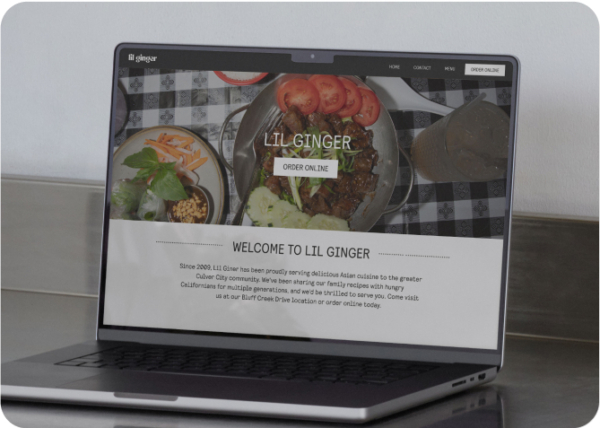
When diners ask ChatGPT or Google’s AI where to order tonight, those tools pull from the same structured data: business listings, menus, and your website. A fast, well-structured site with menu schema is what makes you quotable and a restaurant website built for ordering does double duty as your AI-visibility foundation. Keep it simple: one accurate source of truth, synced everywhere machines look.
Your 4-week rollout checklist
- Week 1 — Google Business Profile. Claim it, verify it, set your direct ordering link as preferred.
- Week 2 — Apple Business Connect. Claim your listing, add the ordering action button.
- Week 3 — Yelp. Complete your profile, attach your ordering link, start responding to reviews.
- Week 4 and on — Maintain. Check menu and hours consistency monthly across all three.
Where diners search vs. what you need to claim
FAQ
How can my restaurant get found on Google and Yelp?
Claim both listings, keep hours and menus identical on each, add your direct ordering link, and collect reviews consistently. Consistency across listings is the strongest signal you can send.
Do I need to rank #1 to win online orders?
No. You need your direct ordering link present wherever your restaurant already appears. Most “order online” searches are branded — the diner has already chosen you. The only question left is which channel gets the order.
Where do I start if I only have an hour a week?
Use the 4-week checklist above. Our local SEO guide has the full breakdown, and ChowNow support can help connect ordering links on every surface.

Want your direct ordering link on Google, Apple Maps, and Yelp? Book a free demo.