How do I adjust my hours on the ChowNow Business Manager app?
Note: These instructions only pertain to restaurants on a ChowNow iPad without Order Aggregation enabled. Restaurants with Order Aggregation can refer to this article to learn how to pause ordering across integrated storefronts.
You can close down early for the day, or adjust your schedule each week, going forward.
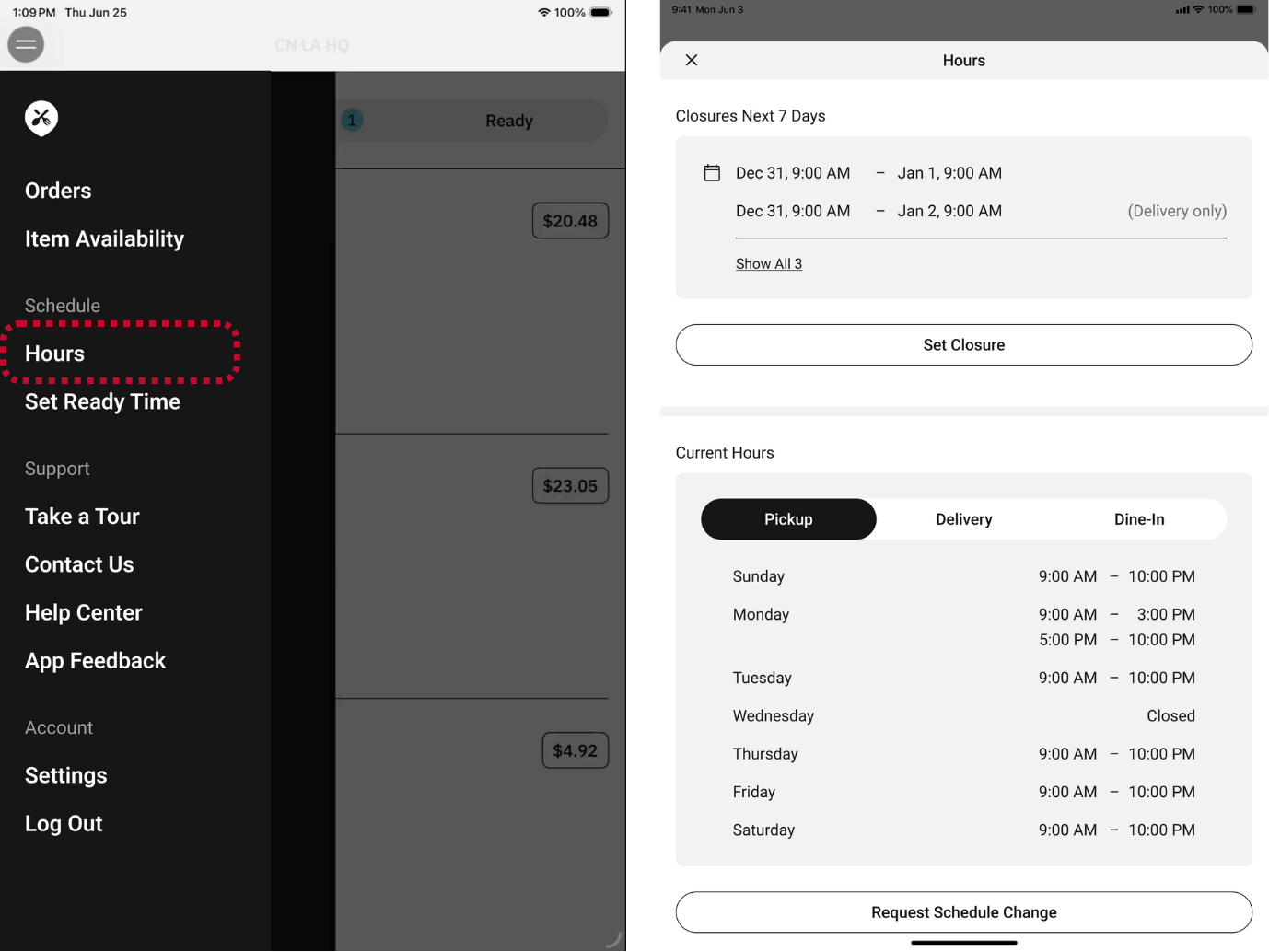
- Tap on the sidebar menu and select “Hours”.
- Select either “Set Closure” or “Request Schedule Change”
![]()
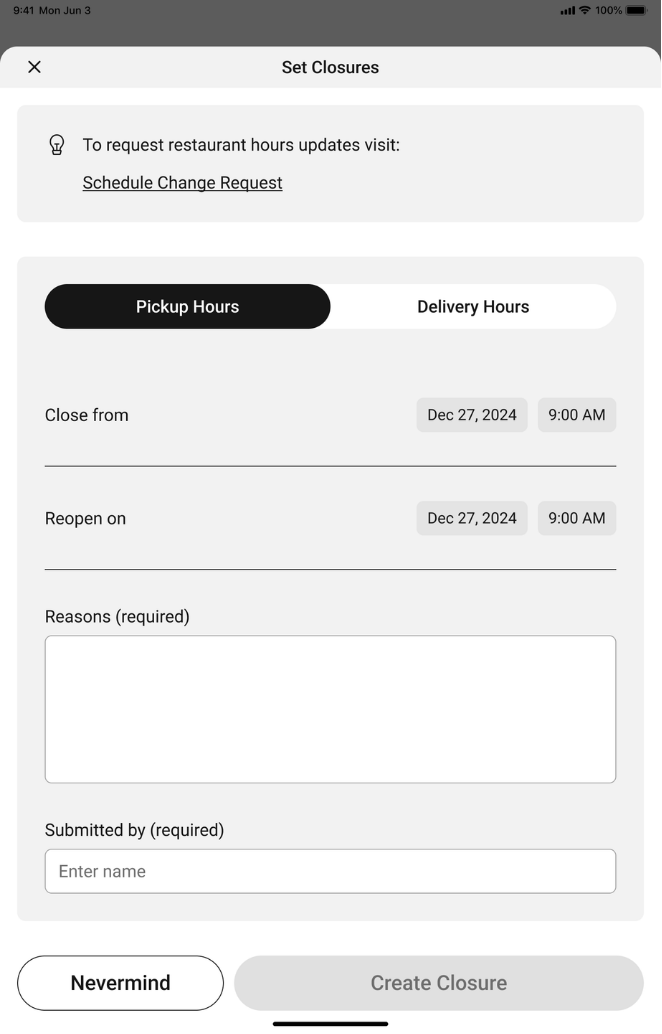
Set Closure is for a one time adjustment. Example: We need to close early this Thursday.
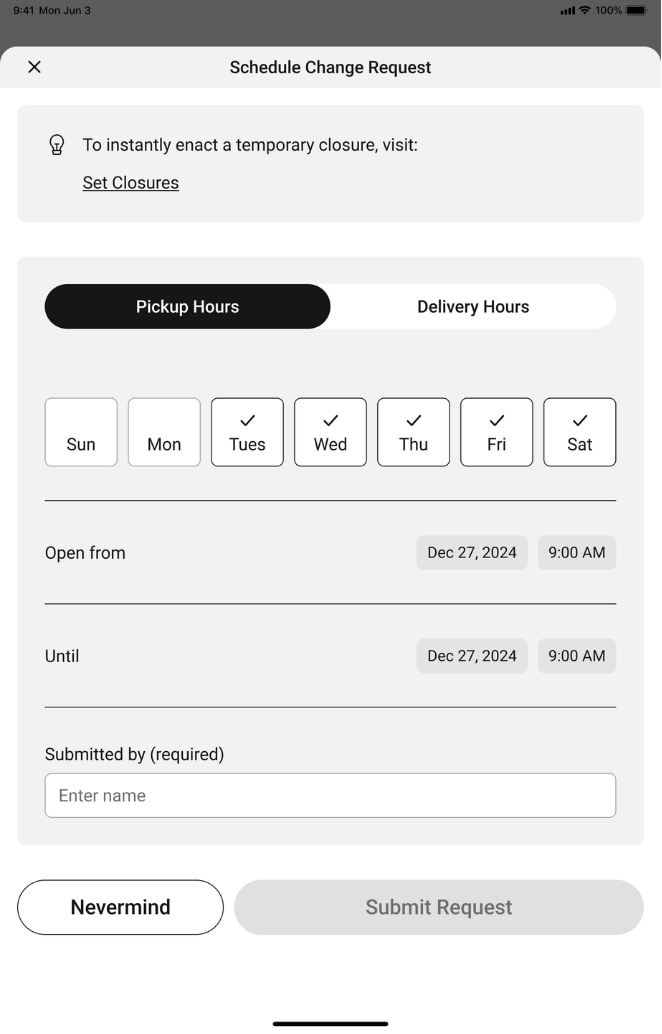
Schedule Change will effect every day going forward. Example: We now close at 7pm on every Thursday.