How to reset your Password
To reset your Cuboh password, first log into the ChowNow dashboard. Then, follow the steps below:
- Click on the person icon in the top righthand corner, and select Account Settings.

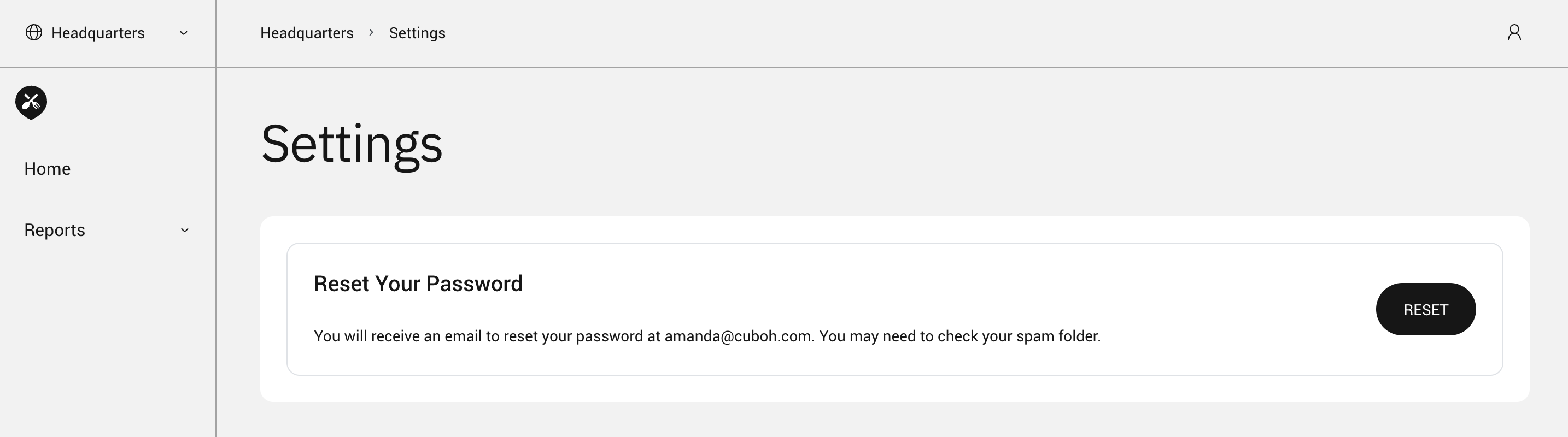
- Click on RESET to reset your password.
To reset your Cuboh password, first log into the ChowNow dashboard. Then, follow the steps below: