How QR Code Ordering Works (And Why Your Restaurant Should Use It)
Every table in your restaurant is already full of potential repeat customers. The problem is that traditional dine-in gives you nothing to work with — guests eat well, tip your staff, and walk out without a trace.
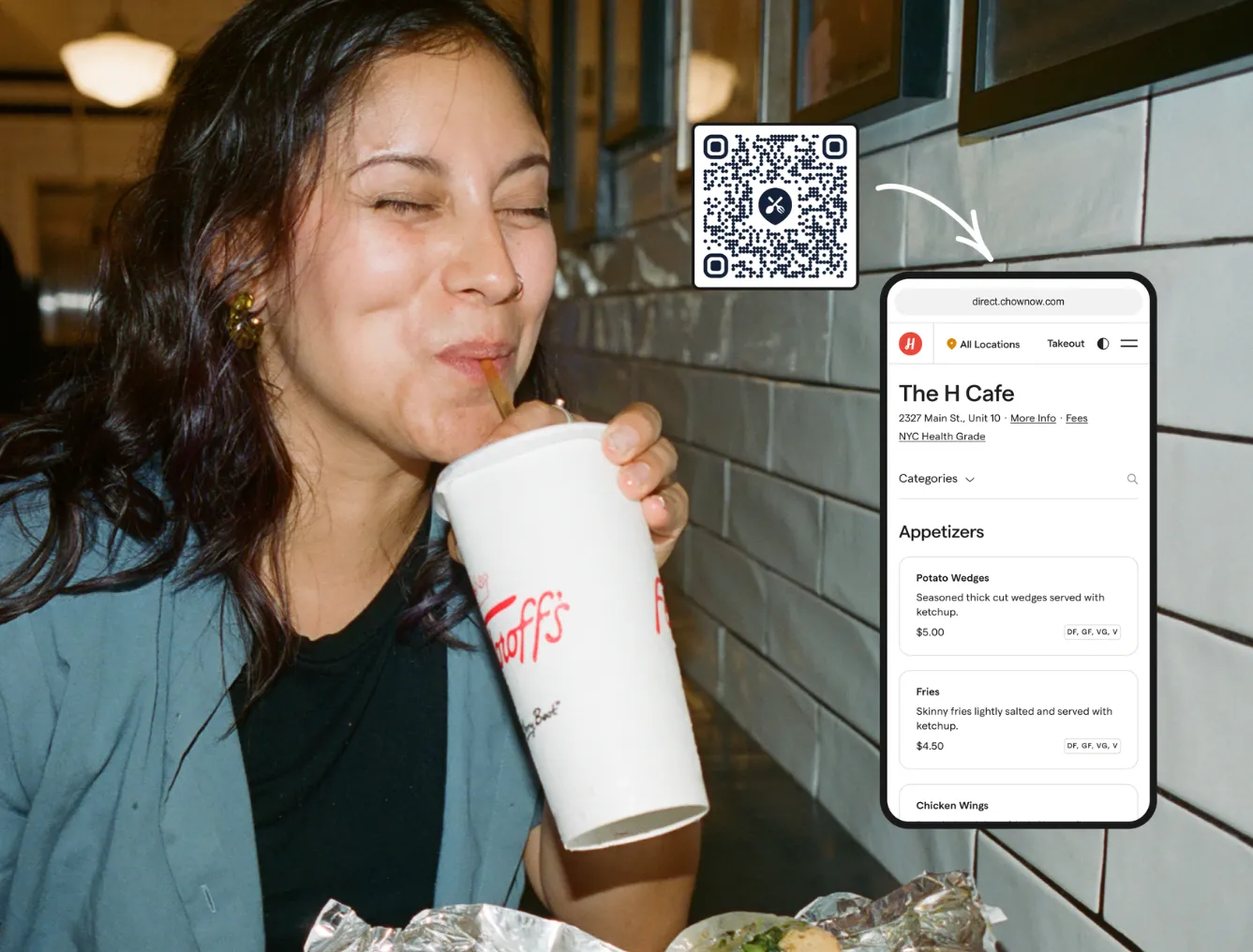
QR code ordering lets guests browse your menu, place their order, and pay directly from their phone without waiting for a server. And at checkout, their name, email, and phone number are captured automatically and added to your marketing database, turning every dine-in visit into a relationship you can build on.
In this article, you will learn:
- How a QR code ordering system works and what to look for in one
- How to set it up and get guests to actually use it
- How to turn dine-in orders into repeat business with the data you collect
What Is a QR Code Ordering System?
A QR code ordering system lets guests scan a code at their table to view your menu, build their order, and pay, all from their own phone. No app download required.
Think of it as an extension of your existing online ordering system, brought into your dining room. Orders go straight to your kitchen, and guest information is collected automatically at checkout. That means names, emails, and phone numbers you can actually use to bring people back.
The technology is already familiar to most diners:
- 59% will use a QR code to view a menu
- 48% are comfortable ordering entirely via QR
- 76% of Gen Z and Millennials want the option to order from a device at the table
What to Look for in a QR Code Ordering System
A QR code that just shows your menu is a start, but it still leaves your staff taking orders and running payments the old way.
A full QR code ordering system handles the whole transaction. It is one of the key restaurant technology upgrades that pays off both operationally and in marketing. Before you add anything to your tables, make sure the system you choose covers all four of these:
Also worth checking: POS compatibility. The best POS solutions with QR code ordering work alongside your existing setup, so you are not forced to replace anything to get started.
How to Set Up QR Code Ordering at Your Restaurant
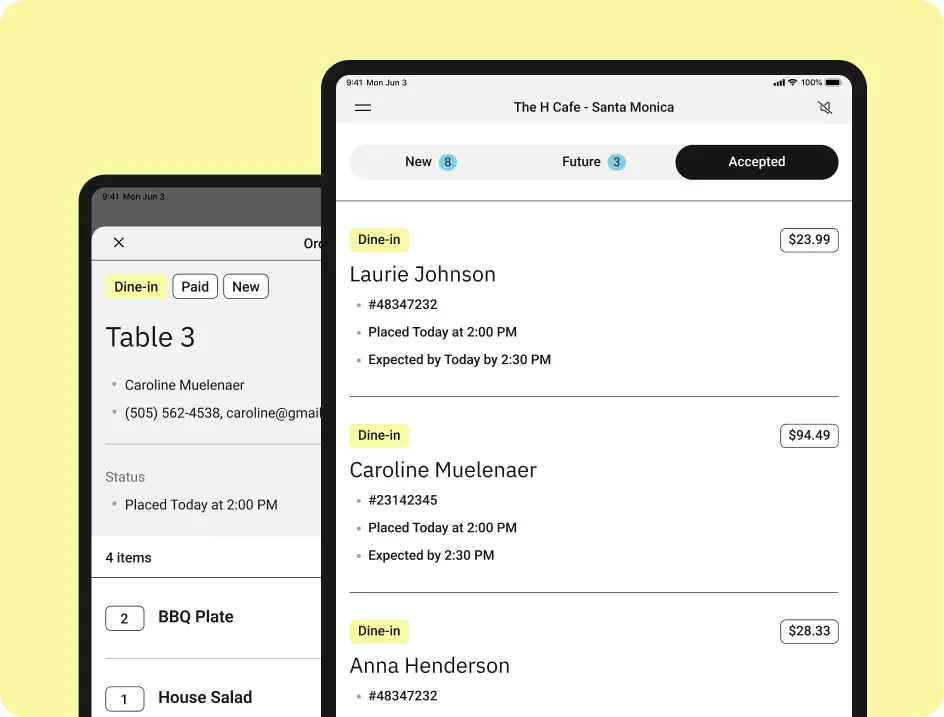
Setup is simpler than most operators expect. With ChowNow’s QR Code Ordering, you can be up and running in four steps:
- Configure your table numbers in your ChowNow dashboard
- Activate your QR codes
- Receive your printed table tents, shipped to you automatically when you opt in
- Place your QR code on table surfaces and start accepting orders
Orders flow straight to your ChowNow Tablet alongside your pickup, curbside, and delivery orders so your kitchen team does not need to change how they work.
How to Get Guests to Actually Use It
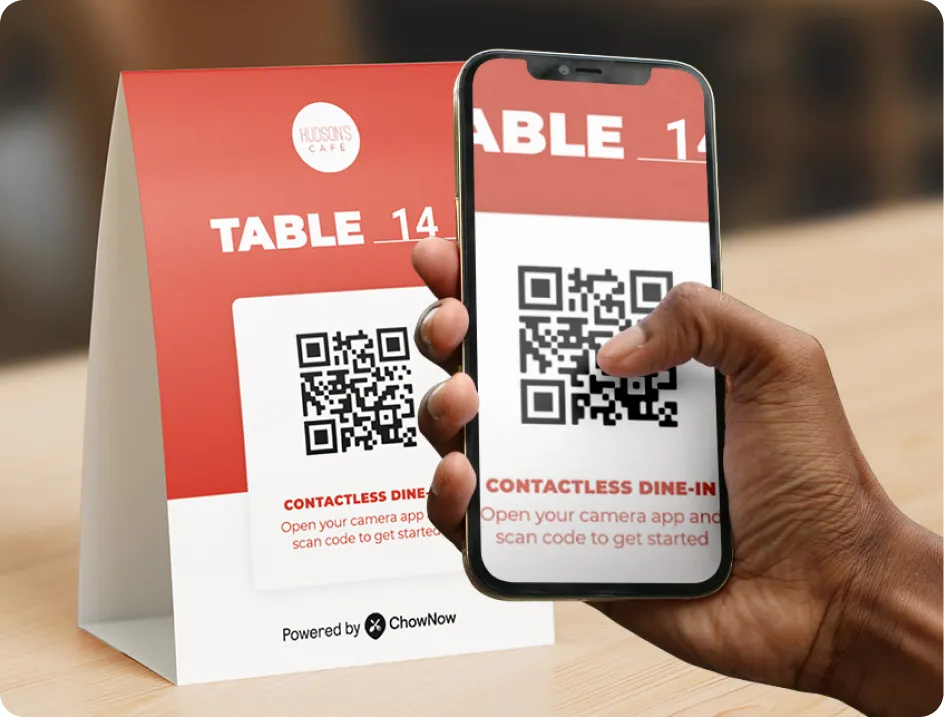
Placement is everything. A QR code on table that is tucked in a corner will get ignored. Here is what works for QR code table ordering:
- Position table tents at eye level when a guest sits down
- Make the call to action clear: “Scan to order and pay”
- Have staff mention it during the greeting: “Feel free to order from the QR code when you are ready”
- Keep it simple with one clear scan point per table and no clutter around it
The guests who prefer a server will still ask for one. You are adding a lane, not changing your hospitality model.
For guests who are comfortable with QR code menu ordering, the experience is faster and more flexible. Restaurants report an average 9% increase in check size when guests order via QR compared to traditional dine-in, partly because guests browse more freely when they are in control of the pace.
How to Use Restaurant Order Data to Drive Repeat Visits
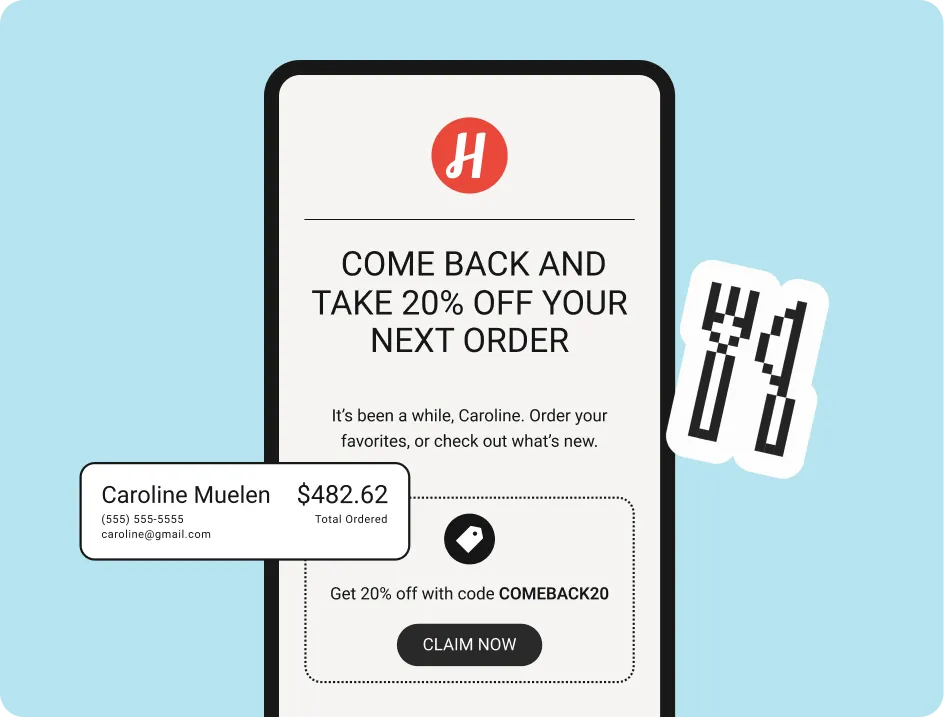
This is where QR code restaurant ordering goes from a convenience feature to a real business tool.
Every guest who orders through the QR code enters their information at checkout. That data goes directly into your marketing database, so you can reach them again just like you do with your online customers. For a deeper look at how to put that data to work, this guide on using restaurant customer data is a good place to start.
Here is what you collect from every order:
- Name
- Email address
- Phone number
- Table number and order history
Restaurants using ChowNow’s QR Code Ordering have grown their marketing lists by 40%+. Once you’re capturing guest info, you can follow up with simple email and text campaigns that bring diners back, without adding extra work during service. If you want to go further, a rewards program gives guests an easy reason to return again and again.
Promote QR Ordering So Guests Know It Is There
Getting set up is step one. Making sure guests know the option exists is step two. A few easy ways to spread the word:
- Add a mention to your website and menu page before guests arrive
- Include it in your next email to existing customers
- Post a short video on social media showing how the scan-to-order experience works.
- Brief your staff so they introduce it consistently at every table
Returning guests who already trust your food are the most likely to try something new. A quick heads-up is all it takes.
Make Sure the Ordering Experience Is Smooth
Marketing a new feature is only worth it if the experience delivers. A few things to check before you go live:
- Menu accuracy: Real-time updates mean anything you change in your ChowNow dashboard reflects immediately in the QR code ordering system. Keep it current.
- Item descriptions: In a self-serve context, guests do not have a server to ask. Clear names and short descriptions reduce friction and help guests order with confidence.
- Photos: Menus with photos see higher average order values. If you have them, use them.
- POS configuration: Make sure your POS is configured correctly before go-live so orders route to the right place from the first scan
Once your QR ordering is running smoothly, it becomes a natural part of your broader customer retention strategy, turning one-time dine-in guests into regulars you can market to directly.
Ready to Turn Your Tables Into a Marketing Channel?
Your dining room is already full of potential repeat customers. ChowNow’s QR Code Ordering gives you a way to capture their information, build a relationship, and bring them back without adding more work to your team’s day.
See how it works here.
Frequently Asked Questions About QR Code Ordering
What is a QR code ordering system?
A QR code ordering system lets dine-in guests scan a code at their table to browse your menu, place an order, and pay from their phone. A full system goes beyond a digital menu. It handles the entire transaction and captures guest data automatically, functioning as an extension of your existing online ordering system.
Does QR code ordering replace servers?
No. Guests who want to flag down a server still will. QR code table ordering gives guests the option to move at their own pace and frees your staff to focus on hospitality instead of transactional tasks.
What POS solutions support QR code ordering and contactless payment?
ChowNow’s QR Code Ordering works alongside any POS system, making it one of the more flexible POS solutions with QR code ordering and contactless payment capabilities available to independent restaurants. For restaurants using Cuboh, the dine-in order type carries through to the POS automatically.
How do I get guests to use QR code table ordering?
Placement and a quick mention from your staff are the two biggest factors. Position your table tent where guests will see it when they sit down and have your team introduce the option at the start of each visit.
Does QR code ordering cost extra for guests?
With ChowNow’s QR Code Ordering, there is no additional cost to the guest. Pricing for restaurants depends on your current plan.