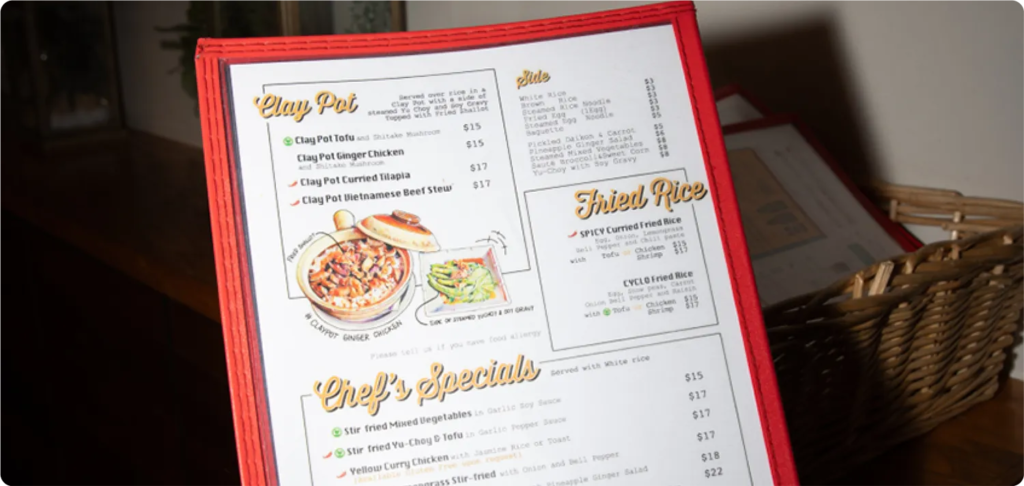
ChowNow’s Menu Grader is a free tool that reviews your restaurant’s menu in about 90 seconds. You get a grade across five areas and a list of what to fix first. This guide covers what our menu grader checks, the most common online menu problems, and how to fix each one.
Key takeaways
- 85% of American diners look at a restaurant’s menu online before trying it for the first time (TouchBistro, 2024).
- 22% of diners have already used AI to choose a restaurant (DoorDash and SevenRooms, 2026).
- Menu Grader checks your visibility in Google search and AI search, reviews your menu layout, descriptions, and pricing for optimization, then lists your top fixes.
- Many of the fixes, like updating your Google menu or adding item descriptions, cost nothing.
What is a restaurant menu grader?
A restaurant menu grader is a tool that reviews your menu the way a diner experiences it online, from the search result to the order button, and scores how well it works. It flags gaps like missing descriptions, outdated listings, or a menu that search engines can’t read, then tells you what to fix.
A menu grader is different from menu engineering. Menu engineering looks at which items sell and how much each one earns. A menu grader looks at whether diners can find your menu, understand it on a small screen, and get to an order without friction. You need both, and they work best together. For the profit side, see ChowNow’s guide to menu engineering.
Why your online menu matters more than it used to
- Your menu is the first impression
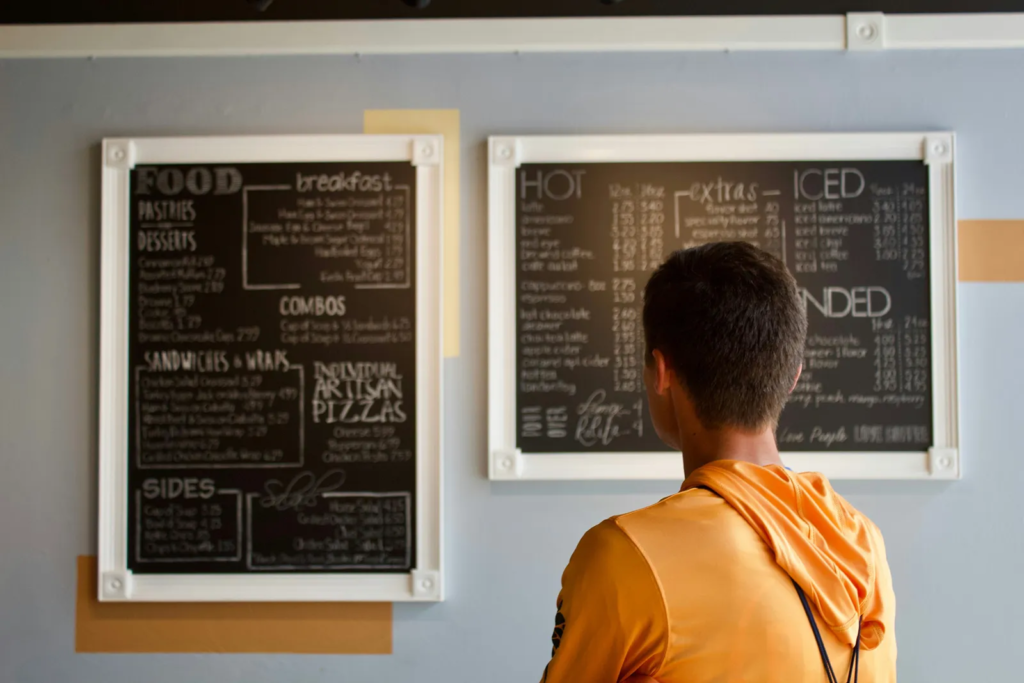
- For a lot of diners, the online menu is the first real look at your restaurant. TouchBistro’s 2024 diner survey found that 85% of Americans check the menu online before deciding on a new spot, and 80% look at the restaurant’s website.
- Search works at the dish level now
- Diners search for “pad thai near me” or “best breakfast burrito,” not only for a cuisine or a restaurant name. Google can match those searches to items on your menu. In one example reported by Search Engine Land, a restaurant climbed from position 71 to position 1 for a Caesar salad search after adding the dish to its Google Business Profile menu.
- AI tools are a new front door
- Diners now ask ChatGPT, Gemini, and Google’s AI Mode where to eat. DoorDash and SevenRooms found that 22% of diners have used AI to pick a restaurant. A Menufy survey reported by FSR found that 80% of consumers would try an independent restaurant they had never heard of if AI recommended it. That’s a real opening for independents, but AI tools can only recommend what they can read and trust.
- Diners expect details to be right
- Searches for “food near me open now” grew 875% year over year, according to Search Engine Land. Wrong hours or old prices send diners somewhere else.
What ChowNow’s Menu Grader checks
Menu Grader looks at your menu the way a hungry diner does, starting on Google and ending at the order button. It also pulls your Google rating, photos, and location details.
How to grade your menu in about 90 seconds
- Find your restaurant. Go to Menu Grader and search for your restaurant by name, or paste a link to your menu.
- Let it run. Menu Grader pulls your Google rating, photos, and location details and reviews your menu. It takes up to 90 seconds, depending on the size of your menu.
- Get your grade and fixes. See your grade in each of the five areas and a list of what to fix first.
It’s free, and there’s no commitment.
8 common online menu problems and how to fix them
These are the issues that most often stand between a diner and an order. Use them as a checklist whether you run Menu Grader or review your menu by hand.
1. Your menu is a PDF or a photo
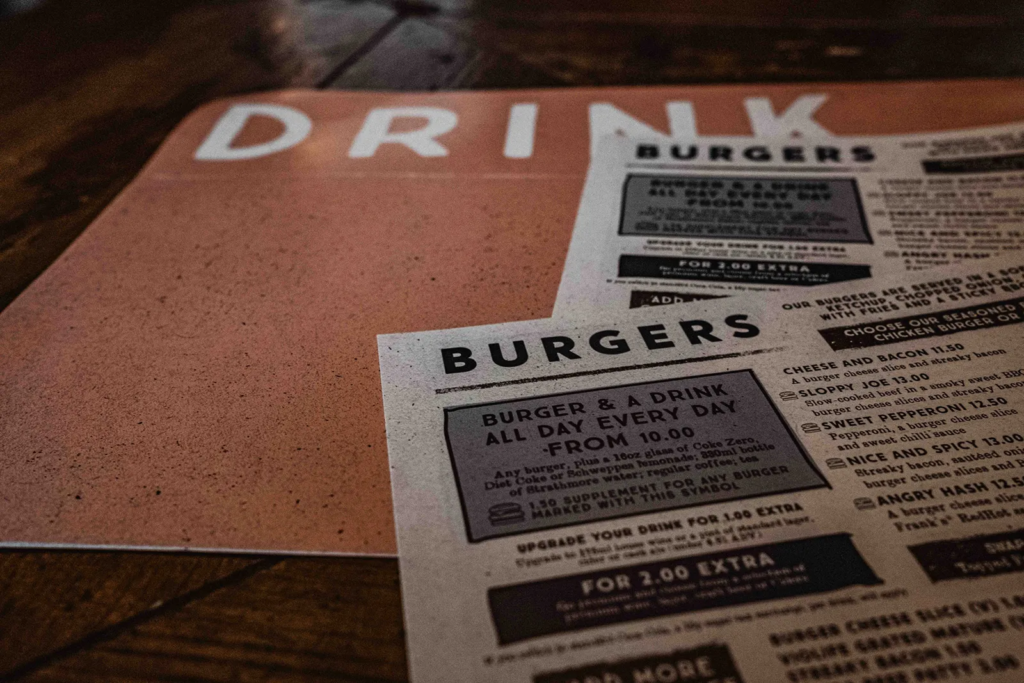
PDF and image menus are hard to read on a phone. Diners have to pinch and zoom, and search engines have a harder time matching individual dishes to searches.
Fix: Put your menu on your website as real text, with each item, description, and price. Keep the PDF as an optional download for people who want to view or share it.
2. Google shows the wrong menu or prices
Google can pull menu details from your Google Business Profile, your website, and third-party sites. When those don’t match, diners see old items or prices.
Fix: Update the menu in your Google Business Profile, remove links to old menus on your site, and check that your listings match. Any time you change prices, update every place your menu lives, at the same time.
3. Item names diners won’t search for
A house name like “The Godfather” tells your regulars everything and a new diner nothing. It also won’t match what people type into search.
Fix: Pair the house name with the plain dish name online, like “The Godfather Spicy Italian Sub.” Diners understand it faster, and search engines can match it to real searches.
4. Thin or missing descriptions
An item with no description makes diners guess, and guessing slows them down.
Fix: Write one or two lines per item covering the main ingredients, how it’s prepared, and any dietary notes like vegetarian or gluten-free. Plain and specific beats clever. For more on how diners read menus online, see digital menu psychology.
5. No photos, or photos that don’t help
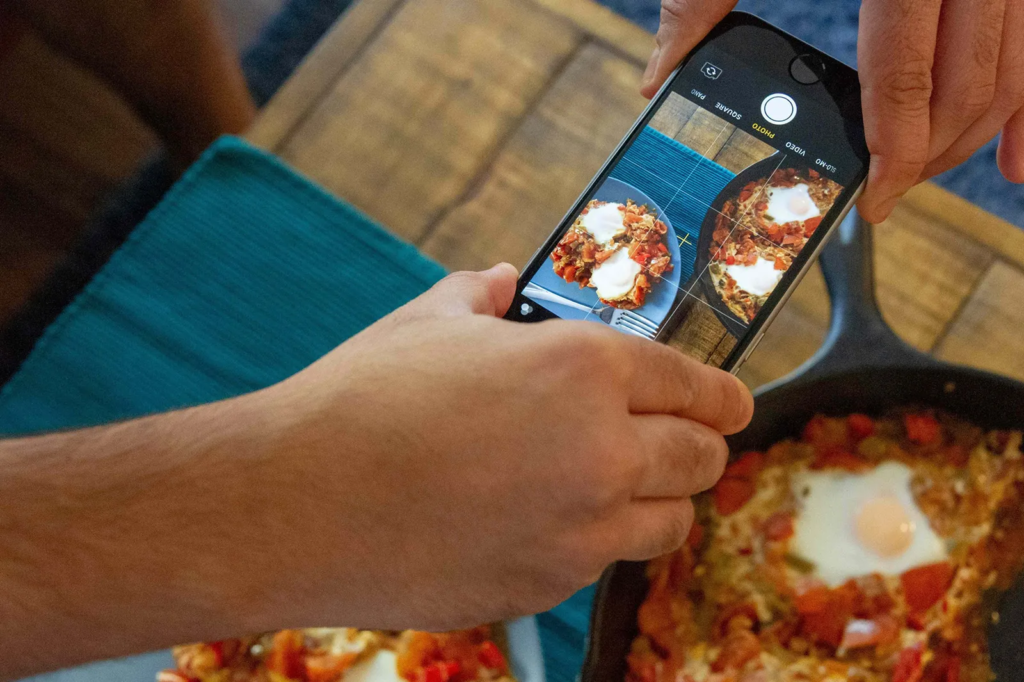
Diners scrolling on a phone rely on photos to decide what to order. Dark or blurry shots can do more harm than no photo at all.
Fix: Start with your five to ten best sellers. Shoot them in natural light, from the same angle, on a plain surface. Add more as you go. Look at ChowNow’s menu photo guide to help boost your takeout sales by up to 30%.
6. Too many items or confusing categories
A long menu with vague categories makes it hard to find anything on a small screen.
Fix: Group items the way people order, such as starters, mains, sides, and drinks. Put your best sellers near the top of each category, and cut items that rarely sell. Here’s more on how to optimize menu categories.
7. Hours and details are out of date
Wrong hours on Google are one of the fastest ways to lose a diner, and they tend to slip around holidays.
Fix: Check your hours on Google, your website, and your ordering page every time they change. Set holiday hours ahead of time, especially for busy stretches like Thanksgiving weekend.
8. AI tools describe you wrong, or not at all
AI tools build answers from your website, your listings, and your reviews. If those are thin or don’t agree, AI may leave you out or get details wrong.
Fix: Keep your name, address, phone number, and hours the same everywhere. Put your menu on your website as text. Say what you’re known for in plain words on your homepage, like “family-owned Thai restaurant in Fishtown known for khao soi.” Respond to reviews, and thank diners who mention specific dishes.
A TLDR on menu fixes you can make this week
- Update the menu tab in your Google Business Profile.
- Match prices across your website, Google, and ordering page.
- Add the plain dish name to any item with a house name.
- Write a one-line description for every item that doesn’t have one.
- Photograph your top five sellers.
- Set your holiday hours.
- Run Menu Grader to see what you missed.
When your menu is ready for more direct orders
Menu Grader helps diners find your menu and understand it. The next step is making sure those orders come straight to you.
ChowNow gives independent restaurants commission-free online ordering on their own website and branded app, so you keep the full value of every order. More than 22,000 restaurants use ChowNow, including De Babel in Scottsdale, Arizona, which has brought in $1.1M in commission-free sales. Read how De Babel did it.
Ready to give it a try? Grade your menu here or book a demo to learn more about ChowNow’s services.
Frequently asked questions
What is Menu Grader?
Menu Grader is a free menu analysis tool from ChowNow. It reviews your restaurant’s menu content, pricing, search presence, and AI search presence, then gives you a grade and a list of fixes.
Is Menu Grader free?
Yes. Menu Grader is free, with no commitment.
How long does a menu review take?
Up to 90 seconds, depending on the size of your menu.
Do I need to be a ChowNow customer to use it?
No. The fixes in your report are ones you can make on your own.
Is a PDF menu bad for SEO?
It can be. PDF menus are harder for search engines to match to dish searches and harder for diners to read on a phone. A text menu on your website, with a PDF as an optional download, works better for both.
Why is my menu wrong on Google?
Google can pull menu details from your Google Business Profile, your website, and third-party sites. If those sources don’t match, diners can see old items or prices. Update your Google Business Profile menu and make sure every source matches.
How do I get my restaurant recommended by ChatGPT and other AI tools?
AI tools draw on your website, listings, and reviews. Keep your name, address, hours, and menu consistent everywhere, put your menu on your website as text, and describe what you’re known for in plain words. Menu Grader checks how your restaurant shows up in AI search near your zip code.
How often should I update my online menu?
Update it any time an item or price changes, and review the whole menu every few months. Here are the signs it’s time for a menu update.