Square Integration: How ChowNow Connects Your POS

If your restaurant runs on Square, you already know it’s built for speed and simplicity, and the ChowNow integration is designed to match that. Here’s what actually happens when you connect the two.
How orders flow
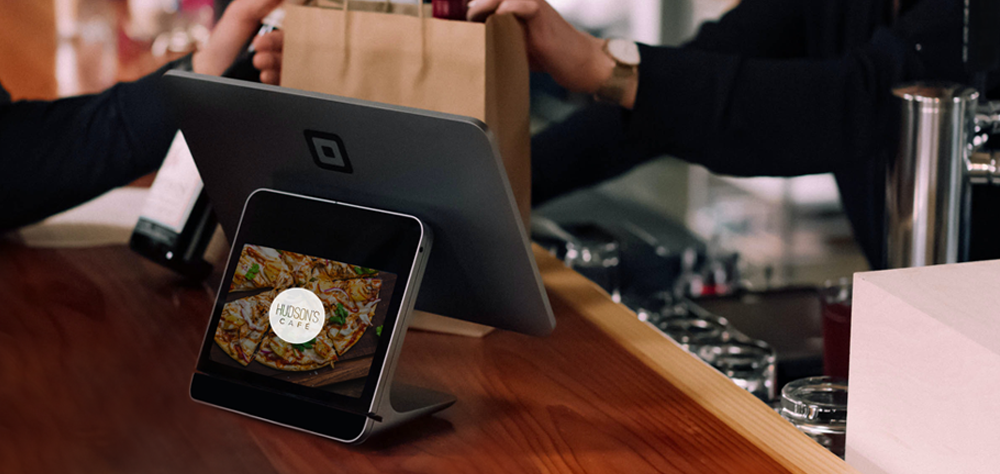
Every ChowNow order, from your direct site, your branded app, or any delivery apps you’ve aggregated through order aggregation, sends straight to your Square POS and kitchen printers. Orders auto-accept with no manual entry, so your team handles a ChowNow ticket exactly like a ticket rung in at the counter.
How menu setup works
ChowNow imports your existing Square POS menu to build your online menu. A couple of things worth knowing going in: the import pulls your entire Square item library, including old or inactive items, so plan on a cleanup pass with your onboarding specialist. It also imports from your base POS menu rather than Square’s separate “Menu”/online-ordering section, if you’ve been building out items specifically in Square’s Menus tool, expect some reconciliation between the two. Scheduled ChowNow orders also don’t currently route into Square’s own scheduled-orders view, so keep that in mind for how your team monitors upcoming orders.
What it costs
There’s no additional POS-side license required to connect ChowNow to Square, it works with a standard Square account.
Setup and support
A dedicated onboarding expert sets up the connection with you, and ChowNow support is available 24/7 if you run into anything after you’re live.
Why this matters
Square is one of the most common POS setups we connect to, precisely because restaurants running Square tend to want the same thing ChowNow delivers: less manual work, cleaner data, and orders that show up where your team already is. If you’re comparing platforms before committing, our guide to online ordering platforms that integrate with your POS breaks down how Square fits alongside Toast, Clover, and others.
Want to see your actual Square menu in a ChowNow demo? Get started here, or check the Square integration page for the full feature list.
FAQ
Does ChowNow send orders directly to my Square POS?
Yes. Orders from your ChowNow direct site, app, and any aggregated delivery apps auto-accept and route straight to your Square POS and printers, no manual entry.
Will my Square menu import as-is?
It imports your full Square item library, including inactive items, so a cleanup pass is normal. It pulls from your base POS menu rather than Square’s separate Menus/OLO section, so double-check for duplicates if you use both.
Is there an extra fee to connect Square to ChowNow?
No additional POS-side license is required, it works with a standard Square account.
Do scheduled ChowNow orders show up in Square’s scheduled-orders view?
Not currently, scheduled orders route to your POS but don’t populate Square’s dedicated scheduled-orders screen.