How To Integrate Your POS System With Uber Eats, DoorDash, And Grubhub

If your restaurant uses delivery apps like Uber Eats, DoorDash, or Grubhub, you already know how overwhelming order volume can get when the rush hits, especially when you’re bouncing between tablets, updating menus in three places, and relying on staff to manually punch in each delivery order.
That kind of setup isn’t just inefficient, it opens the door to expensive mistakes and slows down your team at the worst possible times.
Fortunately, there’s a better way: integrating your delivery services into your restaurant’s POS system.
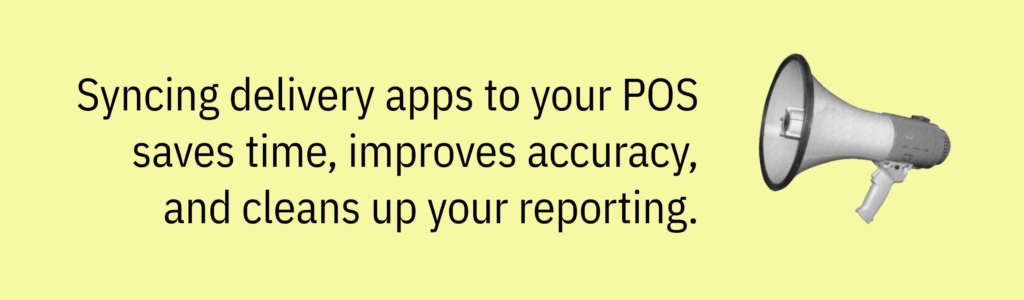
When delivery app orders sync with your point of sale, you’re not just saving time. You’re improving order accuracy, speeding up the process, and getting cleaner reporting.
There are two ways to do it:
- Direct integrations: Where your POS system connects individually to apps like Uber Eats or DoorDash.
- Third-party order aggregators: They act as a bridge between your POS and all your delivery platforms at once.
In this article, we’ll explain how both types of integration technologies work, weigh the pros and cons, and help you decide which approach makes the most sense for your restaurant.
You can also see how a streamlined ordering setup works in real restaurant operations in the video below.
Why POS System Integrations Matter

Without POS integration, every online order that comes through Uber Eats, DoorDash, or Grubhub needs to be manually entered into your system.
It’s this step that creates so much room for human error especially during busy shifts, which slows down the entire order processing workflow and can impact customer expectations.
By leveraging technology to streamline delivery operations, you make the entire process more efficient and better equipped to meet rising demand.
While third-party platforms offer convenience, in-house delivery services allow you to manage internal logistics and maintain dedicated support teams, giving you more direct control over the delivery process. POS integration makes the ordering process more convenient for both staff and diners, ensuring a seamless experience from order placement to delivery.

By integrating your delivery platforms into your POS, incoming orders are sent automatically, eliminating the need for manual entry and reducing errors. When a customer places an order through a delivery app, the POS system can automatically receive orders, so staff don’t have to enter them by hand.
Your team no longer has to juggle a cluttered counter full of tablets or bounce between apps just to keep service moving forward.
This kind of setup not only leads to fewer mistakes; it also gives you better data.
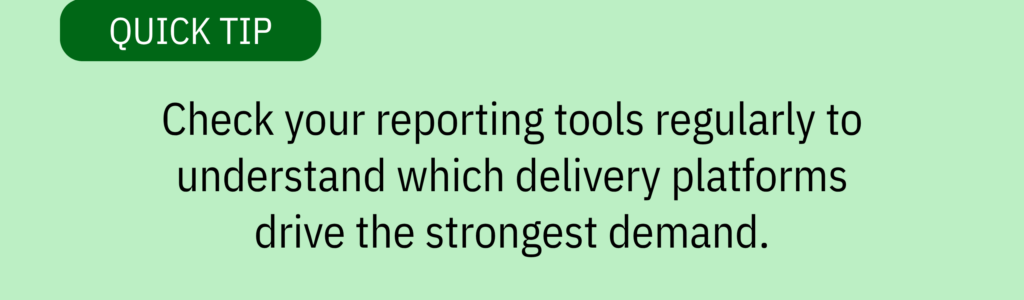
When all delivery app orders are integrated, you can use centralized reporting to track sales, analyze performance, and make smarter decisions about pricing, menu items, and staffing. Integrated systems also allow you to track deliveries in real time, improving convenience for both staff and customers. Your customers will benefit from real-time updates and seamless order tracking, enhancing their overall experience.
Whether you’re running a single location or managing orders across multiple platforms, integration ensures you can efficiently receive orders from all sources and gives you the clarity and control you need to operate efficiently, while also supporting your restaurant’s unique workflow and operational needs.
Direct POS Integrations vs. Third-Party Aggregators
When you’re looking to integrate delivery apps with your restaurant’s POS system, there are two main paths: direct integrations and third-party order aggregators.
Both options help eliminate manual entry and streamline how delivery orders are processed, but the experience and the flexibility can be very different. Integration also allows restaurant owners to focus on delivering quality food and service rather than spending time managing logistics.
Direct Integrations
Some POS systems offer built-in integrations with platforms like Uber Eats, DoorDash, and Grubhub. It’s important for you to evaluate whether direct integration aligns with your restaurant’s operational needs.
These direct connections allow online orders to flow straight into your POS system, skipping the tablet shuffle and reducing the chances of human error. These can also streamline pickup coordination by ensuring a smooth hand-off to the delivery driver and help guarantee the availability of a delivery driver when needed. This setup works well if your restaurant mainly relies on one delivery partner. It’s straightforward and typically built into your POS provider’s ecosystem.
But there are some drawbacks.
Not all POS systems support every delivery app, so you may find yourself with partial coverage or having to manage multiple menus across different platforms. However, direct integration can support the restaurant’s own online ordering system, allowing customers to order directly from your website and potentially reduce third-party fees.
Additionally, commission fees charged by third-party platforms can significantly impact your profit margins, making it important to evaluate the financial implications before choosing direct integrations.
Menu updates often need to be made separately in each app, and since reporting is tied to each individual platform, getting a big-picture view of your delivery performance can be tricky.
Third-Party Order Aggregators

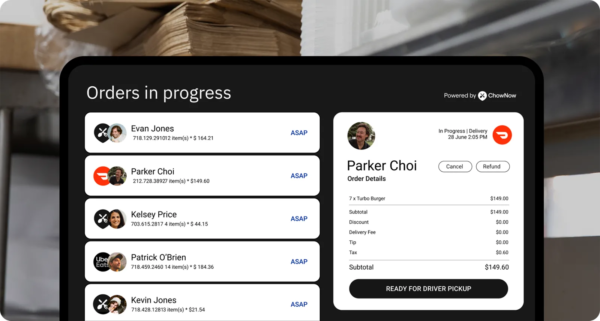
Third-party order aggregators offer a more centralized solution for restaurants using multiple third party delivery platforms. A third party app acts as an intermediary, routing orders from food delivery apps to your POS system for seamless processing.
These services act as a bridge between your POS and apps like Uber Eats, DoorDash, and Grubhub, consolidating all incoming orders into a single interface. Third party delivery apps help restaurants expand their reach and streamline delivery operations by connecting them with a broader customer base and simplifying logistics.
That means no more bouncing between tablets or manually entering delivery app orders during peak hours.
You manage your menu in one place, sync updates across all platforms, and get unified reports that actually make sense. Food delivery app integration allows for real-time menu updates across platforms, ensuring accuracy and consistency for customers.
The integration process is typically fast and doesn’t require you to overhaul your POS system.
If you are dealing with multiple locations or high volumes of online orders, aggregators provide a scalable solution that improves order accuracy, saves time, and enhances customer satisfaction across the board. That’s why partnering with third party delivery services offers logistical, technological, and business benefits that are essential for modern restaurant delivery strategies.
How To Find the Right Third-Party Aggregator

If you’ve decided a third-party delivery aggregator is the best option for your restaurant, the next step is choosing the right one.
These platforms vary in how they connect with your POS system, how they handle delivery app orders, and what kind of reporting and support they offer.
Taking a strategic approach will save you time, money, and headaches down the road.
Step 1: List the delivery apps your restaurant uses
Take stock of all the delivery platforms you rely on—Uber Eats, DoorDash, Grubhub, or any others. Working with multiple third party delivery companies can help your restaurant reach new customers by expanding your visibility and making it easier for people to discover your offerings.
If your restaurant is active on multiple platforms, finding a single interface that can streamline those delivery orders into one place will dramatically reduce complexity and improve your order processing workflow.
This step also helps clarify which delivery services are essential to your operations and which ones might be optional.
Step 2: Check which third-party aggregators are compatible with your POS system
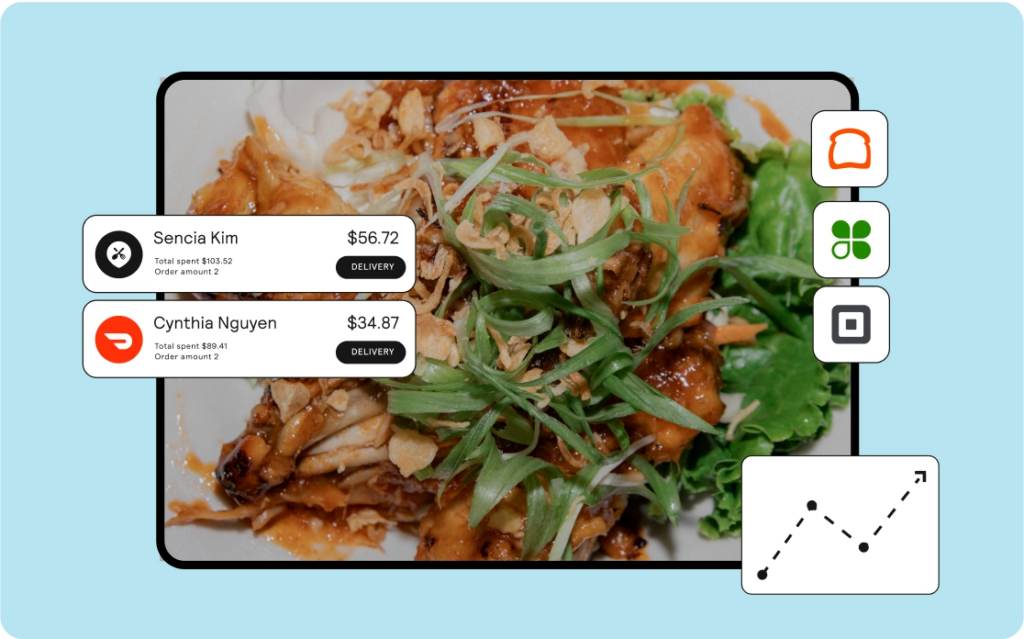
Not every aggregator works with every point of sale.
Some POS systems have more robust integration options, while others may require workarounds or additional developer support.
Look into which platforms support your existing POS system out of the box as it’ll make the integration process much smoother and help you avoid unexpected costs or delays.
See a list of ChowNow’s integrations.
Step 3: Compare features, pricing, and support
Look beyond just the monthly fee.
Does the aggregator allow you to manage your full online menu in one place and sync changes to prices or items across all platforms instantly?
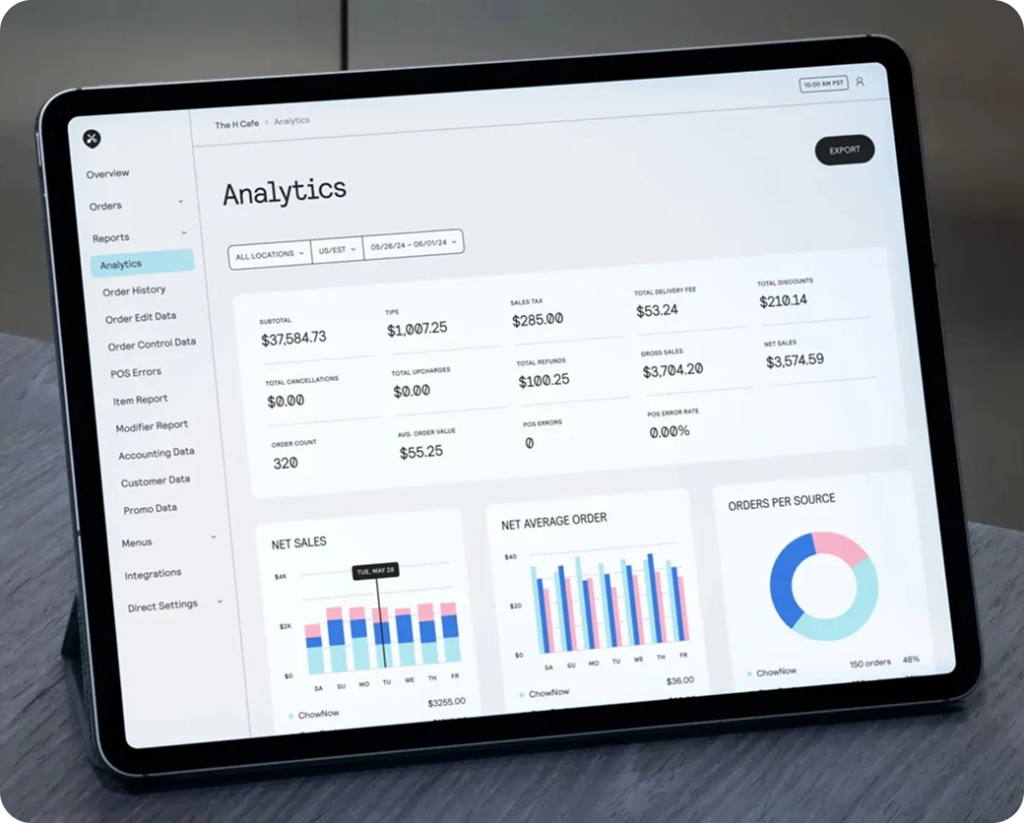
Do they offer analytics or reporting tools that can help you track delivery app performance by platform? Some aggregators also provide access to customer data, enabling you to create special offers and loyalty programs based on customer insights.
This is where you separate scalable solutions from basic ones.
Step 4: Choose the best fit and schedule a demo
Once you’ve narrowed down your options, schedule a demo with your top choice.
Use it to see how the aggregator handles incoming orders, how well it syncs with your POS system, and how the platform performs during peak hours.
A strong onboarding process and responsive support team can make all the difference, especially when you’re managing orders across multiple locations or third-party delivery partners.
Choosing the right third-party aggregator isn’t just about streamlining delivery, it’s about improving your service workflow and setting your restaurant up for long-term success with fewer errors and happier customers. The right choice can also secure your restaurant’s future growth and profitability.
Choosing the Best Way to Connect Your Delivery Apps to Your POS
By understanding your options and choosing the integration path that fits your setup, you’ll turn delivery from a daily headache into a streamlined part of your restaurant’s operations.
Streamlining your delivery workflow not only improves efficiency but also drives growth by expanding your customer base and increasing revenue potential.
Book a demo with ChowNow to see how an Order Aggregation and POS Integration solution can simplify your delivery workflow, cut down on tablet clutter, and help you manage multiple platforms from one place—without overcomplicating your POS.
Frequently Asked Questions on Integrating Your POS System
Why should restaurants integrate delivery apps with their POS system?
Integrating delivery apps with your POS system removes the stress of bouncing between Uber Eats, DoorDash, and Grubhub tablets. Orders flow directly into your POS, reducing human error, speeding up service, and improving accuracy during rush hours. It also consolidates reporting so restaurants can understand performance across delivery providers, menus, and locations without jumping between platforms.
What is the difference between direct POS integration and an order aggregator?
Direct POS integrations connect your system to one delivery platform at a time. This works well if you rely heavily on a single delivery partner but becomes complex when you work across multiple platforms.
A third-party order aggregator acts as a single bridge between your POS and all major third party delivery apps, allowing you to process orders, manage menus, update pricing, and view reporting from one centralized interface.
What are the benefits of using a third-party order aggregator?
Third-party aggregators simplify delivery operations by consolidating all online food delivery market orders into one place. Restaurants can manage menus, sync updates instantly, reduce manual entry, improve order accuracy, and streamline workflows. Many aggregators also support loyalty programs, helping restaurants grow their customer base and strengthen repeat business.
How do POS integrations help reduce mistakes during delivery rushes?
Without integration, staff must manually process orders from multiple tablets, which increases errors and slows down service. When your POS system automatically receives orders from all delivery apps, your team can focus on food quality and hospitality instead of retyping orders across platforms.
How do POS integrations support multi-location businesses?
For restaurants using multiple platforms or managing several locations, POS integration consolidates delivery operations into one system. This helps managers compare performance across stores, streamline menu updates, and improve consistency in customer experience.
Do POS integrations help with menu management?
Absolutely. Integrated systems let restaurants update menu items, pricing, and availability once and push changes across all connected delivery platforms. This prevents mismatched menus, missing items, or pricing errors that commonly happen when managing each app manually.
How does integrating delivery apps affect customer experience?
Faster order processing, fewer mistakes, real-time updates, and more accurate menus all contribute to better customer satisfaction. When restaurants offer a smooth ordering and pickup experience, consumer demand increases and diners are more likely to reorder.